Top Tips for Maximizing Your Internet Speed in Diwaniyah


Check Your Internet Plan
One of the first steps to maximizing your internet speed in Diwaniyah is to ensure you have the right plan for your needs. Contact your internet service provider to verify your current plan's speed. If your usage involves streaming, gaming, or multiple users, consider upgrading to a plan with higher bandwidth.

Optimize Your Router Placement
The placement of your router can significantly affect your internet speed. Position it in a central location within your home to ensure even coverage. Avoid placing it near walls, metal objects, or electronic devices that may cause interference.
Use a Wired Connection
For critical tasks that require stable internet, consider using a wired connection. Ethernet cables offer a direct link to your router, providing a more reliable and faster connection compared to Wi-Fi.
Update Your Equipment
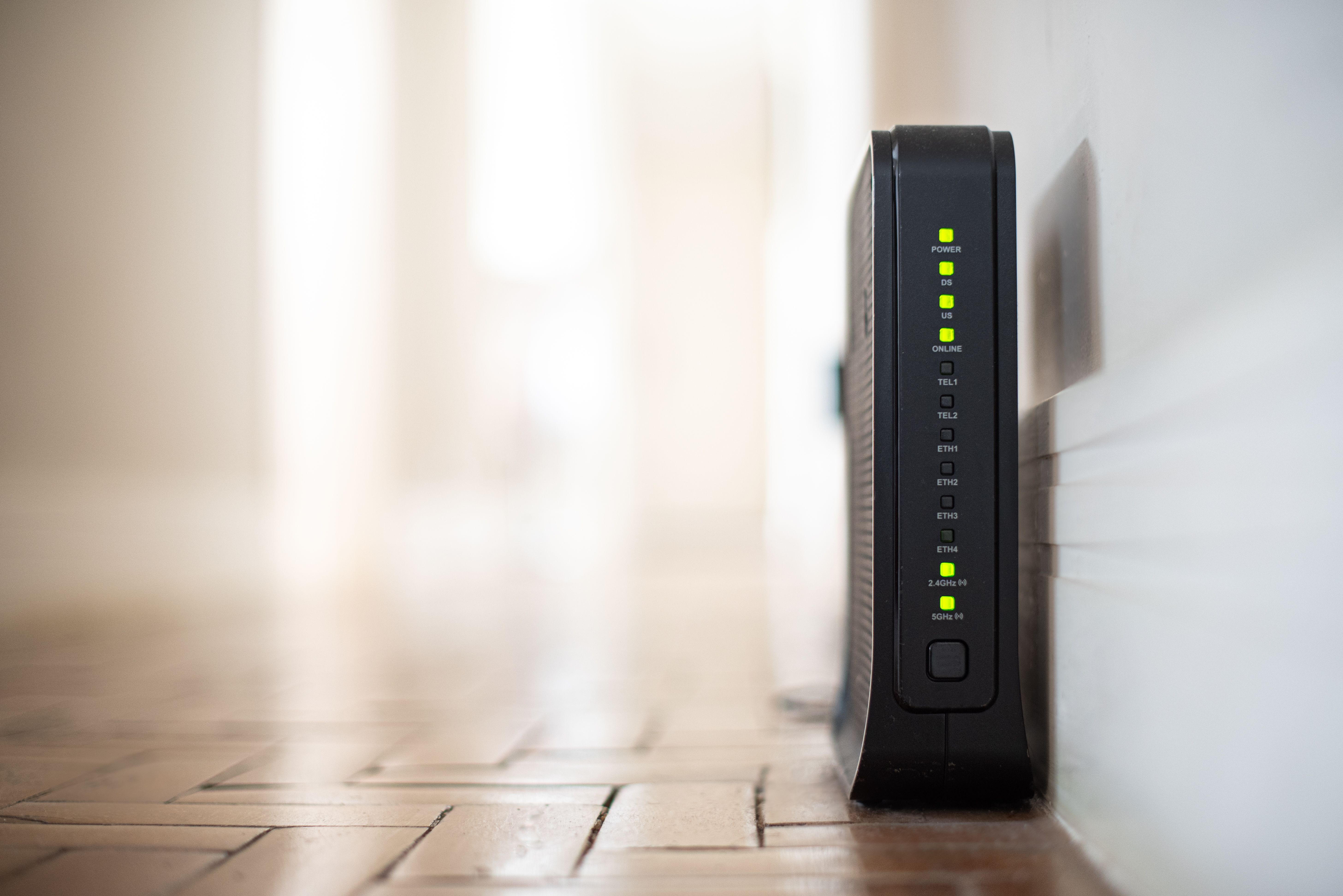
Outdated equipment can be a bottleneck for your internet speed. Ensure your router and modem are up to date and capable of handling higher speeds. Consider investing in a dual-band router to take advantage of both 2.4 GHz and 5 GHz frequencies.
Limit Background Applications
Applications running in the background can consume bandwidth and slow down your internet. Check your devices for unnecessary applications and close them to free up resources. This simple step can improve the speed for more important tasks.
Manage Connected Devices
Too many devices connected to your network can cause congestion. Disconnect devices that are not in use, especially those that consume significant bandwidth, like smart TVs and gaming consoles.
Utilize Quality of Service (QoS) Settings
Many modern routers come with Quality of Service (QoS) settings, allowing you to prioritize certain types of internet traffic. Set up QoS to give priority to activities like video calls or online gaming, ensuring a smoother experience.

Regularly Restart Your Router
Restarting your router can help clear its cache and resolve connectivity issues. Make it a habit to reboot your router every couple of weeks to maintain optimal performance.
Consider a Mesh Network
If you have a large home or experience dead zones, a mesh network can help. Mesh systems consist of multiple nodes that work together to provide seamless coverage throughout your home, eliminating weak spots.
Contact Your Service Provider
If you've tried all the above tips and still experience slow speeds, it may be time to contact your service provider. They can perform line tests and help diagnose any underlying issues affecting your internet speed.